For CFOs and HR leaders, meeting time is not background activity. It is labour investment, coordination load, and policy risk wrapped into one recurring operating habit.
Most organizations still manage meetings as if they are culturally important but economically invisible. Calendars fill up because live discussion feels productive, because recurring invites are easy to maintain, and because no single owner is accountable for measuring the downstream cost. For finance leaders, that creates a blind spot in labour efficiency. For HR leaders, it creates a blind spot in employee experience, manager effectiveness, and sustainable capacity planning.
A serious meeting cost guide has to do more than say that meetings are expensive. It has to translate meeting activity into decision-ready operating language. That means showing how live time, preparation burden, follow-up work, role mix, and recurrence shape annual cost, execution drag, and workforce quality. When those variables are visible, leaders can stop debating from instinct and start governing from a shared model.
This upgraded version of the OfficeOpsTools guide keeps the original structure of the page while repositioning the content for executive use. It is built to help CFOs, CHROs, people operations leaders, and workforce strategy teams evaluate meeting cost through the lenses that matter most in 2026: labour allocation, productivity protection, decision velocity, documentation quality, and trust-building content design. The result is a page that is easier to monetize responsibly, more aligned with people-first search guidance, and more useful to readers who need practical frameworks rather than generic productivity advice.
Why this topic matters to finance and HR
CFOs care about meeting cost because labour is one of the largest and most controllable expense categories in most organizations. When hundreds of scheduled hours are absorbed by low-value coordination, the impact shows up in slower output, missed capacity assumptions, and rising overhead that is difficult to attribute. Even when payroll cost does not increase immediately, the organization still pays through reduced throughput, delayed approvals, fragmented workdays, and avoidable management load.
HR leaders care for a different but equally strategic reason. Meeting culture shapes manager capability, engagement, clarity of expectations, and the employee experience of work itself. Teams do not burn out only because they work long hours. They burn out when the day is repeatedly interrupted, when deep work is impossible to protect, and when accountability becomes diffuse because too many people attend the same discussion without clear decision rights.
This is why a meeting cost calculator matters. It gives finance and HR a common model for evaluating collaboration habits. Finance can see labour economics, scenario savings, and planning assumptions. HR can see manager load, role design, employee friction, and the human cost of attention fragmentation. When both functions use the same framework, meeting redesign becomes easier to defend and easier to implement.
Convert headcount time, role mix, and meeting cadence into annualized cost that can be reviewed like any other operating expense.
Surface manager overload, focus loss, and cross-functional coordination friction that standard payroll reports do not explain on their own.
Give leaders a repeatable way to decide which meetings to keep, redesign, downsize, or replace with asynchronous workflows.
Operational challenges organizations face
The first challenge is attendee inflation. A meeting that originally required four accountable participants gradually grows to include observers, adjacent stakeholders, and leaders who want visibility without direct ownership. The labour cost rises with every added attendee, but the conversation rarely improves in proportion. Large groups create longer explanations, slower convergence, and more ambiguous accountability.
The second challenge is cadence inertia. Weekly meetings often outlive the event that created them. A launch review, implementation huddle, or staffing escalation forum can remain on the calendar long after the risk level has dropped. Because the incremental burden of one extra instance feels small, the annualized effect is easy to miss. Yet when the calculator extends that pattern across a quarter or full year, the cost often becomes material enough to deserve executive review.
The third challenge is role confusion. Too many meetings combine decision-makers, contributors, and passive listeners in the same room, which weakens the quality of the time spent together. High-performing operating models reserve live interaction for moments where judgment, escalation, negotiation, or cross-functional trade-offs are truly required. Everything else should be documented, distributed, and reviewed before the call.
The fourth challenge is hidden follow-up work. A sixty-minute meeting is never only sixty minutes. It includes preparation, document review, post-meeting notes, task clarification, and interruption cost from leaving and re-entering focused work. CFOs who model only the meeting duration understate the real cost. HR leaders who look only at sentiment understate the structural cause.
Common leadership mistakes
The most common mistake is treating all meetings as equally necessary because they are already embedded in the culture. That mindset prevents healthy scrutiny. Some meetings absolutely deserve concentrated senior time. Board-preparation reviews, risk escalations, payroll sign-off discussions, compensation governance sessions, and sensitive employee-relations decisions may justify a high cost because the cost of poor judgment is higher. But those high-value meetings should not make it harder to challenge the low-value ones.
A second mistake is measuring only duration. Cutting a sixty-minute meeting to forty-five minutes can help, but it does not automatically solve the problem. If the invite list is oversized, if the pre-read was not completed, or if the same issues return every week because ownership is unclear, the organization is still spending heavily for weak output. Better governance comes from redesigning purpose, participation, and recurrence together.
A third mistake is launching a meeting-reduction campaign without upgrading the surrounding system. When leaders eliminate calls without improving written updates, approval workflows, and decision logs, people simply recreate the coordination burden through chat threads, ad hoc calls, and duplicated explanations. The real goal is not “less talking.” It is stronger operating design with better information flow.
A fourth mistake is failing to communicate why redesign matters. When employees hear only that leaders want to reduce meeting cost, they may assume the initiative is purely about expense cutting. In reality, the strongest case is broader: better meeting design protects focus time, improves clarity, and reduces managerial friction. Trust improves when leaders explain that the goal is better work, not merely cheaper work.
Executive use cases and real workplace examples
Consider a weekly business review with ten participants, one hour of live time, fifteen minutes of preparation per person, and an average loaded labour rate that spans directors, managers, and analysts. In isolation, the meeting seems ordinary. Annualized, it can become one of the largest recurring coordination costs in the department. A CFO can use that number to challenge whether every attendee is required. An HR leader can use the same analysis to understand why managers report low focus time and poor meeting hygiene.
Another example is a recurring hiring sync that was crucial during a rapid-growth phase. Months later, requisition volume stabilizes, but the large standing meeting stays in place because no one has ownership of redesign. The calculator makes that inertia visible. It can show that the meeting is now better suited to a smaller operational core with a monthly executive checkpoint instead of a weekly broad forum.
In a hybrid environment, meeting cost also intersects with workplace strategy. A meeting-heavy culture can distort office presence patterns, room demand, and desk utilization. Teams come in to join calls from desks, book collaboration space inefficiently, and create peaks that do not match the underlying need for in-person work. This is where related tools such as the Workspace Utilization Calculator and Desk Capacity Planner become strategically useful.
The same logic applies to manager capability. HR business partners often hear that managers are overwhelmed, but the issue is described in emotional terms rather than operating terms. A meeting cost model converts that experience into workload mechanics. It helps show whether managers are spending too much time in recurring coordination loops instead of coaching, decision-making, and execution support.
Framework 1: establish a baseline cost story
Model attendance, duration, prep time, follow-up work, and recurrence first. Baseline visibility makes every later improvement easier to defend.
Framework 2: separate required roles from broad visibility
Decision-makers and required contributors should attend live. Many observers only need outcomes, a dashboard, or a written summary.
Framework 3: reserve live time for trade-offs and judgment
Status updates, readouts, and document walkthroughs belong in pre-reads wherever possible so live discussion can focus on decisions.
Framework 4: review recurring meetings on a fixed cycle
Quarterly governance keeps temporary meetings from becoming permanent structures and gives leaders a routine way to retire old rituals.
How to use the calculator in an enterprise decision workflow
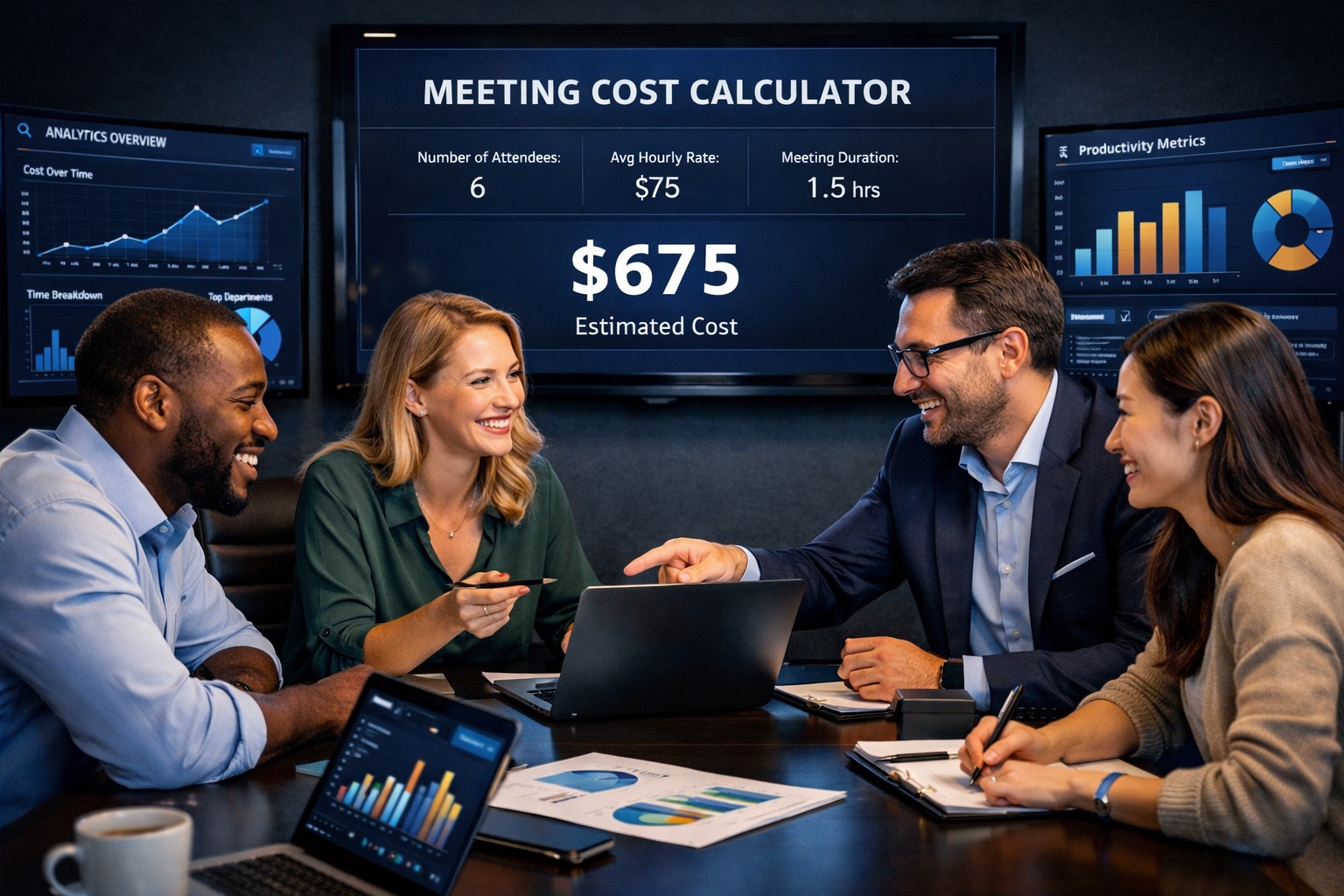
Start with one recurring meeting that is visible enough to matter but common enough to represent a broader pattern. Enter the number of attendees, average labour cost assumptions, duration, and frequency. Then include the preparation and follow-up time that often gets ignored. This produces a more honest view of total labour investment.
Next, create one improvement scenario rather than many. Reduce passive attendance, shorten cadence, or redesign the agenda so that only decisions remain in the live session. Comparing one baseline against one realistic scenario gives leaders a cleaner story. It helps finance explain the savings and HR explain the workflow improvement without making the initiative look theoretical.
Then decide where the output goes. High-value content does not end with the number on screen. The result should be documented in a decision note, reviewed in an operating meeting, and linked to a specific action: reduce attendance, move to biweekly, replace status reporting with a written update, or sunset the meeting entirely. The strongest pages and tools help users act on the insight, not just admire it.
Executive workflow template
Step 1: Identify one recurring meeting with unclear value or growing attendance.
Step 2: Model the full burden, including prep and follow-up.
Step 3: Test one redesign scenario with the calculator.
Step 4: Assign an owner and decision date.
Step 5: Recheck the meeting after 30 to 60 days to confirm that the change improved throughput and clarity.
Structured SEO and benchmark layers that build trust
For AdSense-friendly, people-first publishing, a guide like this should not rely on vague executive language alone. It should make clear what the reader will learn, who the page is for, how the tool should be used, and which external benchmarks or internal operating metrics can support the claims. That is why this enterprise version includes explicit trust layers that editorial teams can maintain over time.
The most practical approach is to embed benchmark placeholders where they strengthen decision-making without forcing generic filler into the article. For example, a finance or HR team may want to insert an internal benchmark for manager meeting load, an external labour-cost reference for salary burden assumptions, or a policy note that explains how meeting redesign supports employee focus and wellbeing. Those additions improve credibility because they connect the guide to real operating evidence.
Benchmark placeholder 1: loaded labour cost
Insert your finance-approved hourly cost or salary burden assumption so the calculator output aligns with planning and budgeting standards.
Benchmark placeholder 2: manager meeting load
Insert an internal or survey-based reference point for acceptable manager meeting concentration by level or function.
Benchmark placeholder 3: focus-time protection
Insert a company policy or operating standard for uninterrupted work blocks, core collaboration windows, or no-meeting periods.
Benchmark placeholder 4: decision turnaround
Track whether redesigned meetings improve approval speed, issue resolution, or escalation handling after implementation.
Future trends CFOs and HR leaders should watch
The next phase of workplace analytics will treat time as a governed enterprise asset, not an informal by-product of collaboration. Finance teams are becoming more interested in productivity-adjacent signals that explain why cost per output changes. HR teams are becoming more interested in the structural causes of overload, attrition risk, and manager fatigue. Meeting data sits directly at that intersection.
Another important shift is the separation of information distribution from decision forums. As dashboards, written updates, and internal knowledge systems improve, organizations can stop using live meetings as a default transport channel for information. That change does not reduce collaboration. It improves it by preserving synchronous time for actual judgment.
A third trend is the need for trustworthy, human-centered content even when tools are data-driven. Executive users do not want thin pages built only to target keywords. They want structured pages that explain methodology, show how to interpret outputs, and connect the tool to adjacent decisions such as Office Budget Manager, Workforce Scenario Planner, and Absenteeism Cost Calculator. That interconnectedness strengthens both usability and authority.
Leadership recommendations for implementation
- Assign executive ownership for recurring-meeting governance rather than leaving redesign to informal team preference.
- Use the Meeting Cost Calculator to compare one current-state meeting against one redesigned scenario before expanding the practice across the organization.
- Document why each recurring meeting exists, who must attend live, what pre-read is required, and what decision or output it is expected to produce.
- Review manager-heavy meetings first because they often carry disproportionate labour cost and have the strongest connection to employee experience.
- Pair meeting reduction with stronger written updates, clearer approval paths, and better documentation so collaboration quality rises instead of simply moving into other channels.
- Publish the methodology clearly on the page so users understand what the calculator includes, what it does not include, and how to adapt assumptions responsibly.
Visual data layers and content elements competitors often miss
A premium enterprise page should not look like a generic article with a calculator link attached. It should help the reader visualize the decision. That means surfacing more than one layer of value. One layer is the cost number itself. Another is the productivity implication, such as focus hours returned or managerial capacity regained. A third is the governance implication, such as which meeting types deserve escalation review.
This is where visual data layers become powerful. A baseline-versus-redesign KPI card set, a scenario savings panel, a decision matrix for who should attend live, and a small benchmark layer for internal standards can make the page materially more useful. These additions support trust because they reduce ambiguity. They show users how to interpret the tool, not just how to click it.
Suggested visual modules for this page
Cost layer: annual meeting spend, per-session cost, and loaded labour estimate.
Productivity layer: focus hours recovered, manager time returned, and avoided coordination load.
Governance layer: keep, redesign, reduce attendance, or replace with async update.
Trust layer: methodology note, assumption disclosure, and linked related tools for deeper analysis.
Frequently asked questions
What makes this guide more useful for CFOs than a standard productivity article?
It frames meetings as labour investments with measurable annual cost and scenario trade-offs. That makes the output usable in budgeting, operating reviews, and workforce planning instead of limiting it to general time-management advice.
Why is this page also relevant for HR leaders?
Meeting load affects employee experience, manager effectiveness, clarity of ownership, and burnout risk. HR leaders need a structured way to connect those human outcomes to operating design.
How does this support E-E-A-T and trust-building?
The page explains methodology, defines the audience, clarifies how to use the calculator, and encourages benchmark-backed interpretation instead of making unsupported claims. It also connects the guide to adjacent tools so the user can continue the analysis in context.
What should an executive team change first?
Start with recurring manager-heavy meetings that have high attendance and unclear decision output. Those usually offer the clearest early wins in both cost visibility and workflow improvement.
How should this content be maintained over time?
Review the page quarterly, refresh the benchmark placeholders, confirm that internal links still match live tool routes, and update the methodology note when the calculator logic changes.
Conclusion
A meeting cost calculator is useful because it turns a familiar complaint into a governable operating question. For CFOs, that means better visibility into labour deployment and softer forms of overhead that still affect financial performance. For HR leaders, it means a clearer link between meeting culture, manager burden, employee focus, and the overall quality of work.
The most valuable outcome is not just a savings estimate. It is a stronger decision process. When leaders can see the real cost of a recurring meeting, compare one credible redesign scenario, and document the reasoning behind the change, collaboration becomes more disciplined and more trustworthy. That is the standard an enterprise-grade guide should meet, and it is the standard this page is designed to support.